D-08
Frontdesk
1 repository
Frontdesk
2026An AI secretary and back office for small businesses, multi-tenant from the first row
PrototypeTypeScriptNext.js 16Tailwind CSS 4+5Open
Sign PDFs and fill forms in the browser, without uploading the file
The live product, running here. Click the window to use it, or open penmark.zyntlow.com in a new tab.
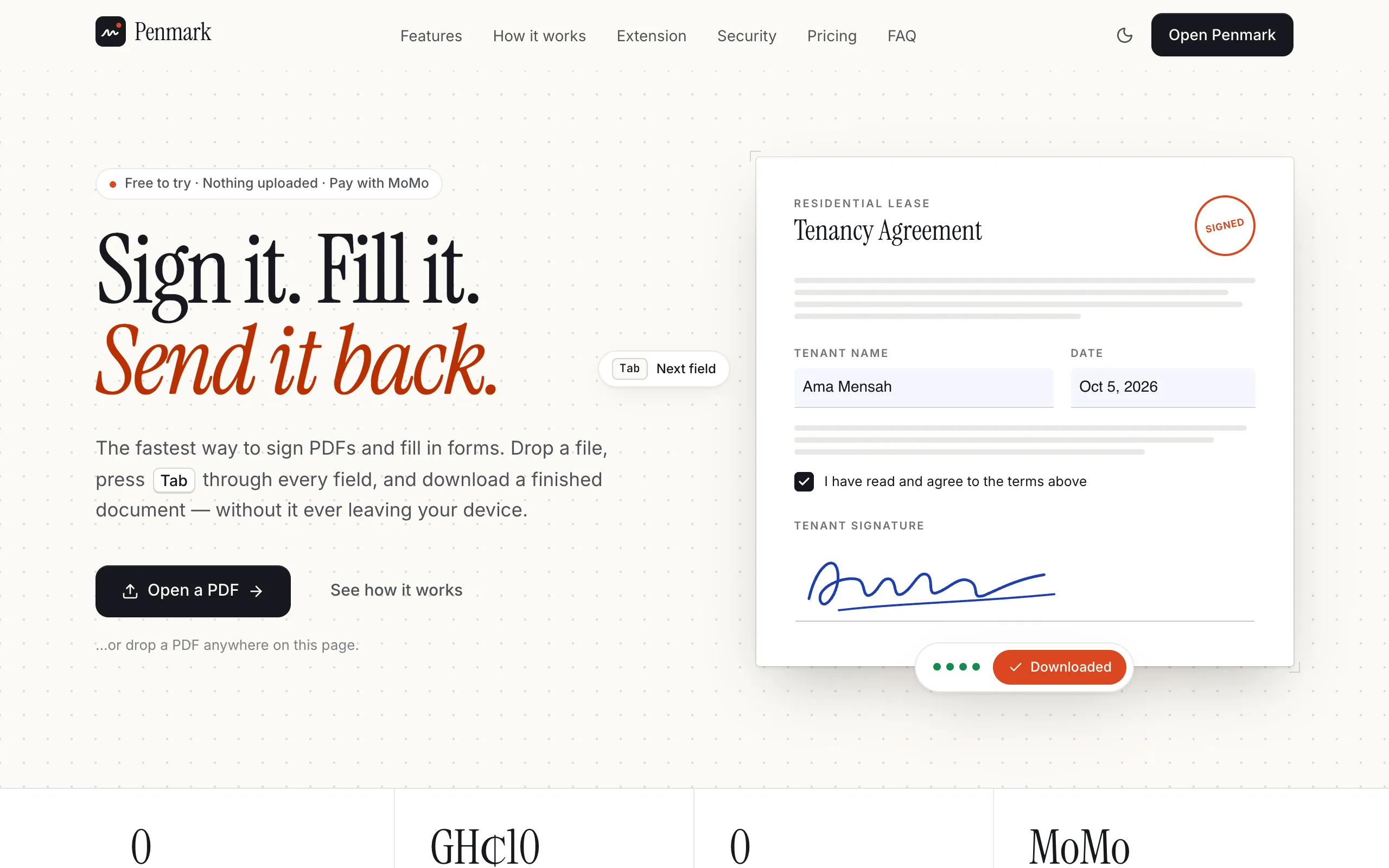
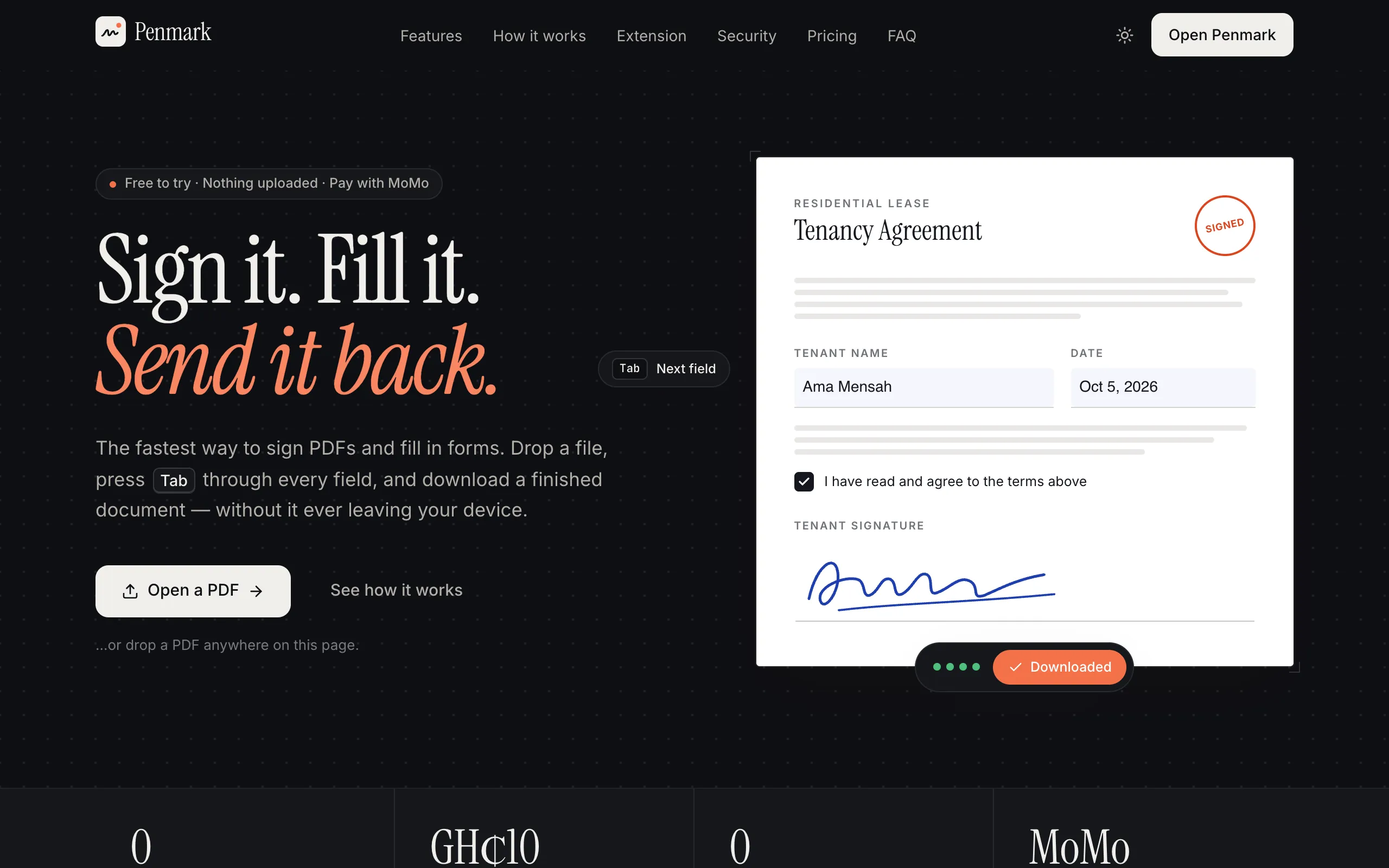
Penmark is a PDF signer and form filler, live at penmark.zyntlow.com. You drop a file — or a photo of a paper form — tab through every blank, sign the lines that need a signature, and download a finished document. The original is left untouched.
Signing and filling are free. A download costs GH₵1 for that document, with no account, or a prepaid Personal or Teams plan paid in cedis through Paystack. Plans never renew by themselves.
The governing constraint is the same one behind the rest of the live products: the file never leaves the device. Rendering, filling, signing and export all run in the browser. The server sees a document hash when you pay, not the PDF.
Most signing tools upload the lease, the payslip and the passport scan, then charge a monthly fee to get the file back. Penmark is built the other way around.
The device is the editor. pdf.js renders in a worker. AcroForm fields are read from the file itself. On a flat or scanned PDF, labels like “Signature”, “Date” and “Initials” are offered as one-click placements. Export fills and flattens those fields, stamps the ink, and can append an audit page with a SHA-256 of the original and a timestamp.
Ink that looks like ink. Drawn strokes are pressure-smoothed. A typed signature uses a handwriting face. A photo of a signature on paper has the ink lifted off the background. The same adopted signature signs every line that needs it.
Pay for the file, not a seat you forgot about. One-off passes are keyed to
the original file’s hash and live in localStorage; the server stores only the
hash. Personal is GH₵10 a month or GH₵90 a year. Teams is GH₵18 per seat a
month or GH₵168 a year. Buying again extends from the current end date. Paystack
settles in GHS, by MoMo or card.
A Next.js 16 App Router surface over React 19. The editor state is a Zustand store with undo. Open documents live in IndexedDB through Dexie. Accounts and prepaid passes sit in Drizzle on libSQL — a local file in development, Turso in production.
pdf.js for rendering and form detection; pdf-lib for filling,
flattening and stamping. Word, PNG and JPG exports are built in the browser
from the signed PDF.Sending a document to someone else to sign — delivery, signing order, a shared audit trail — is not built. Penmark is the tool you use on a file in front of you, not a signing-room product.
An AI secretary and back office for small businesses, multi-tenant from the first row
A barbershop operating system designed around the walk-in queue and mobile money
A church website with the membership admin a Ghanaian congregation actually needs